Disable rights to add values
Most drop-down lists in Nicoka end with the --- add a new option --- option. It lets users add a value to the list directly from a form, without going through the settings.
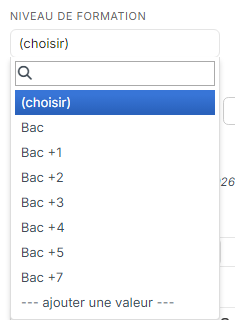
This option is only offered to users whose profile has the Create right on the list concerned. To prevent everyone from adding values, remove this right from the profiles concerned.
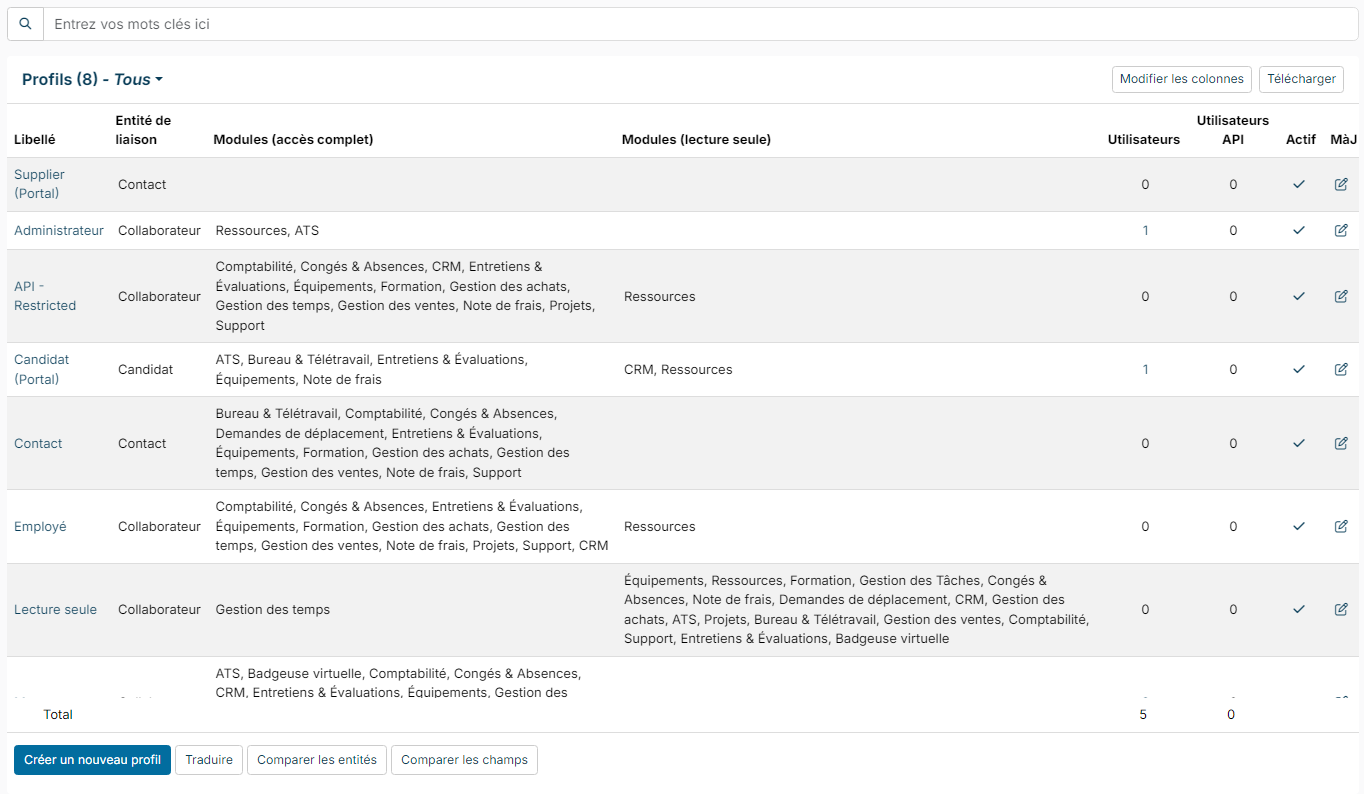
Removing the right from several profiles at once
- In the side menu, open Customizing > Admin.
- In the left-hand menu, expand Users and click Profiles.
- Below the list of profiles, click Compare profiles entites.
- In Entity, start typing the name of the list, for example "Education Level": the list narrows as you type. Choose the list, then click Search.
- The table shows one row per profile and one column per right: Readeable, Creatable, Updatable, Deletable, Bulkable, Downloadable. Click the tick in the Creatable column for each profile that should no longer add values.
- A banner shows the number of Unsaved changes: click Save (or Cancel to go back).
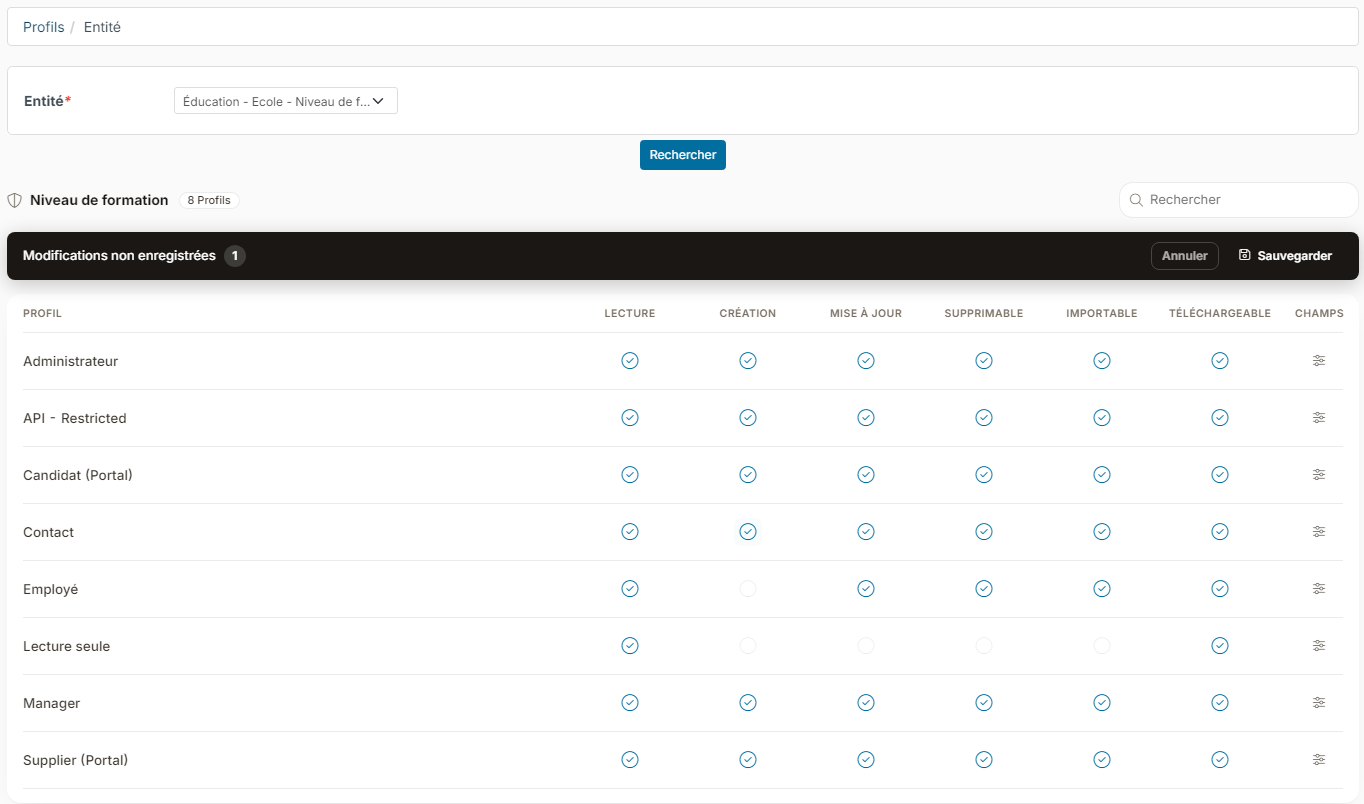
Users of these profiles still see the list and can choose an existing value, but the --- add a new option --- option no longer appears.
Removing the right from a single profile
You can also use the profile record: open the profile from the list of profiles, click Modules, find the list with the search box at the top of the tab, then untick Création (create) on the row of the list and click Sauvegarder (save). This screen is described in detail in Define access profiles in Nicoka.