Connecting your website to Nicoka
The job offers you publish in Nicoka appear on your career site. To also show them on your website, there are three methods, from the simplest to the most complete.
In the addresses below, replace your-company with the name of your Nicoka workspace. If your career site is published on a subdomain of your own domain, use that subdomain instead (see Setting up the subdomain for your career site).
1. A link to your career site
This is the simplest method: add a button or a menu entry to your website, for example "Join us", that points to your career site:
https://your-company.nicoka.com/public/jobs/
Candidates land on your career site, with its menu, its home page and the list of your offers. They browse the offers and apply there.
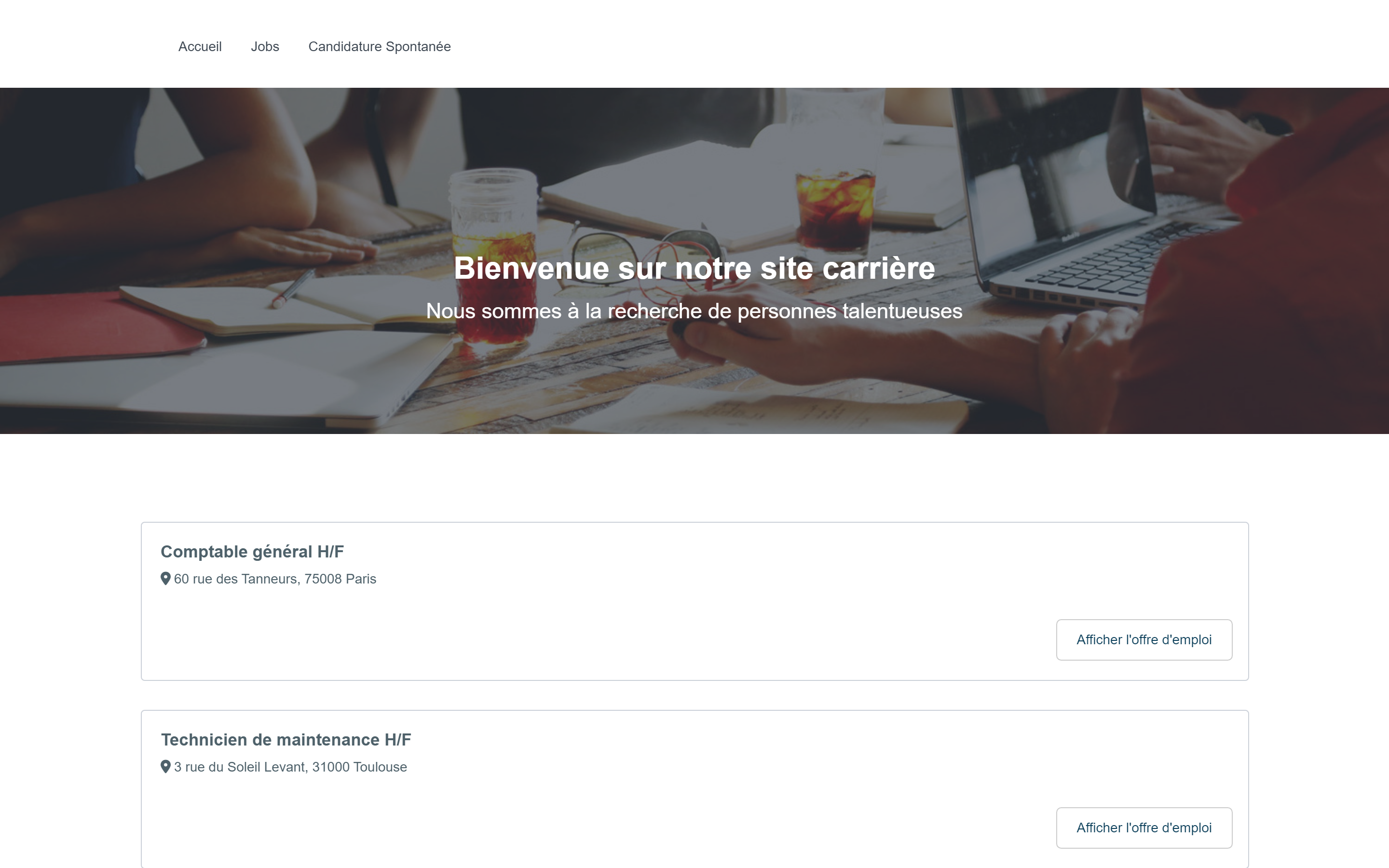
You can adapt the career site to your brand guidelines (colors, texts, images): see Customize your career site.
2. The list of offers embedded in your website (iframe)
You can also show the list of your offers directly in a page of your website, in an embedded frame (an "iframe"). To do so, add the jobOnly=1 parameter to the address:
https://your-company.nicoka.com/public/jobs/?jobOnly=1
With this parameter, only the list of offers is displayed, without the menu, the cover image or the footer of the career site, so it fits into the layout of your website. Candidates open an offer and apply without leaving the frame.
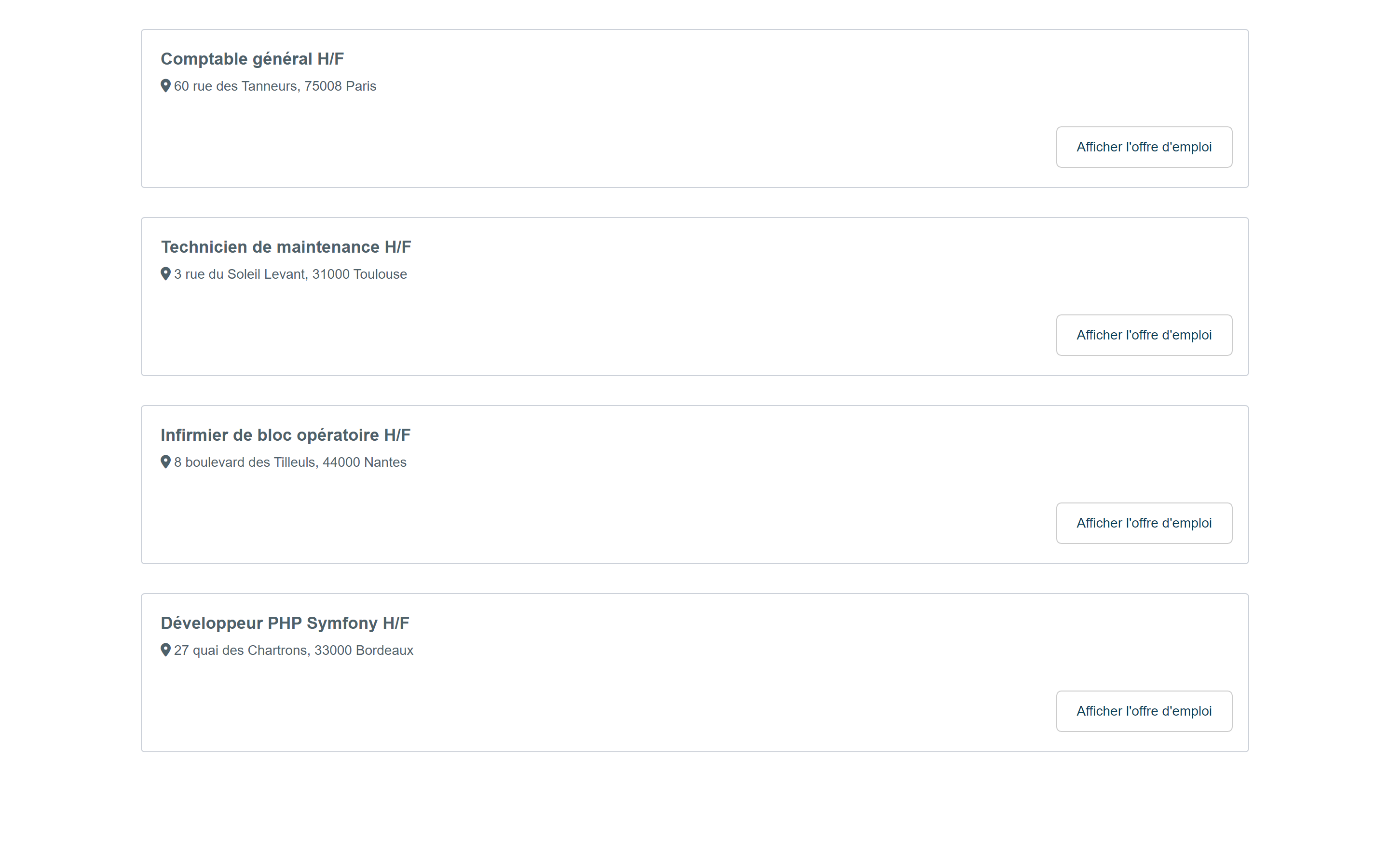
Give this address to the person who manages your website: they are the one who adds the frame to the page.
If you added audience measurement tools to your career site (Google Analytics, Facebook pixel…) and the cookie consent banner is enabled, this banner is also displayed in the frame: visitors give their consent for the career site cookies there, separately from the consent given on your website. To enable, disable or adapt this banner, contact support.
3. The Nicoka API
The third method is to retrieve your offers with the Nicoka API and display them with the layout of your choice. It requires development on your website: send the API documentation to the person who built your website (your webmaster), who will do the integration.
API documentation: https://api.nicoka.com/
To also redirect candidates coming from job boards to the offers on your website, see Use your career site to post your job ads.