My Nicoka account is locked
To protect your space, Nicoka locks an account after more than 10 wrong passwords in a row. With two-factor authentication, 10 wrong verification codes also lock the account. The login page then shows: "Your user has been locked (too many login attempts), please contact your administrator".
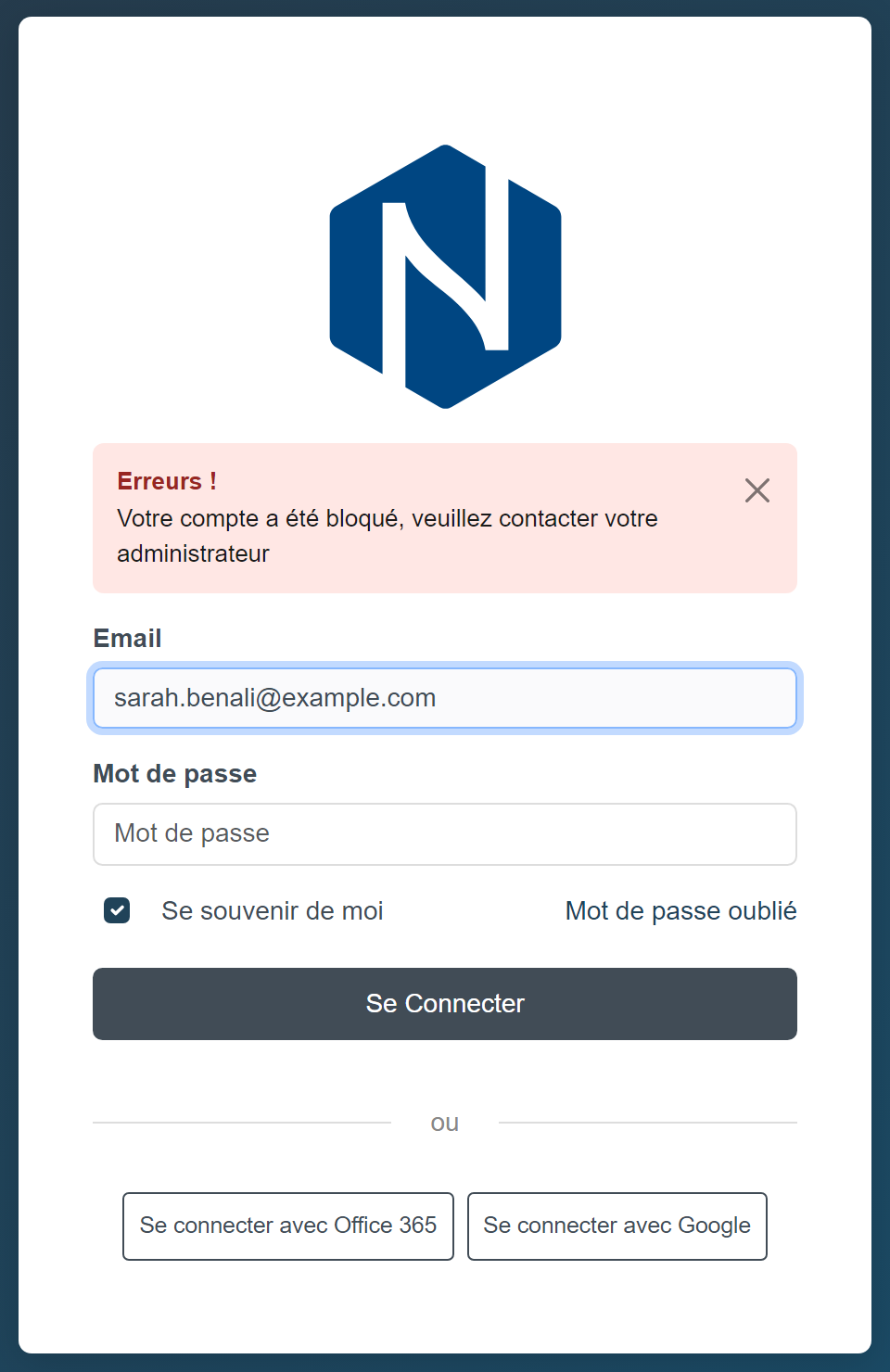
Your account is locked
The administrators of your Nicoka space receive an email that warns them of the lock. To get your access back, you can either:
- ask one of them to unlock your account (see below);
- or reset your password with Forgotten password on the login page: choosing a new password also unlocks your account.
Unlocking an employee's account (administrator)
- In the side menu, open Customizing > Resources, then click the employee's name.
- In the menu of their record, click Application Access.
- Click Unlock Account. This button only appears when the account is locked.
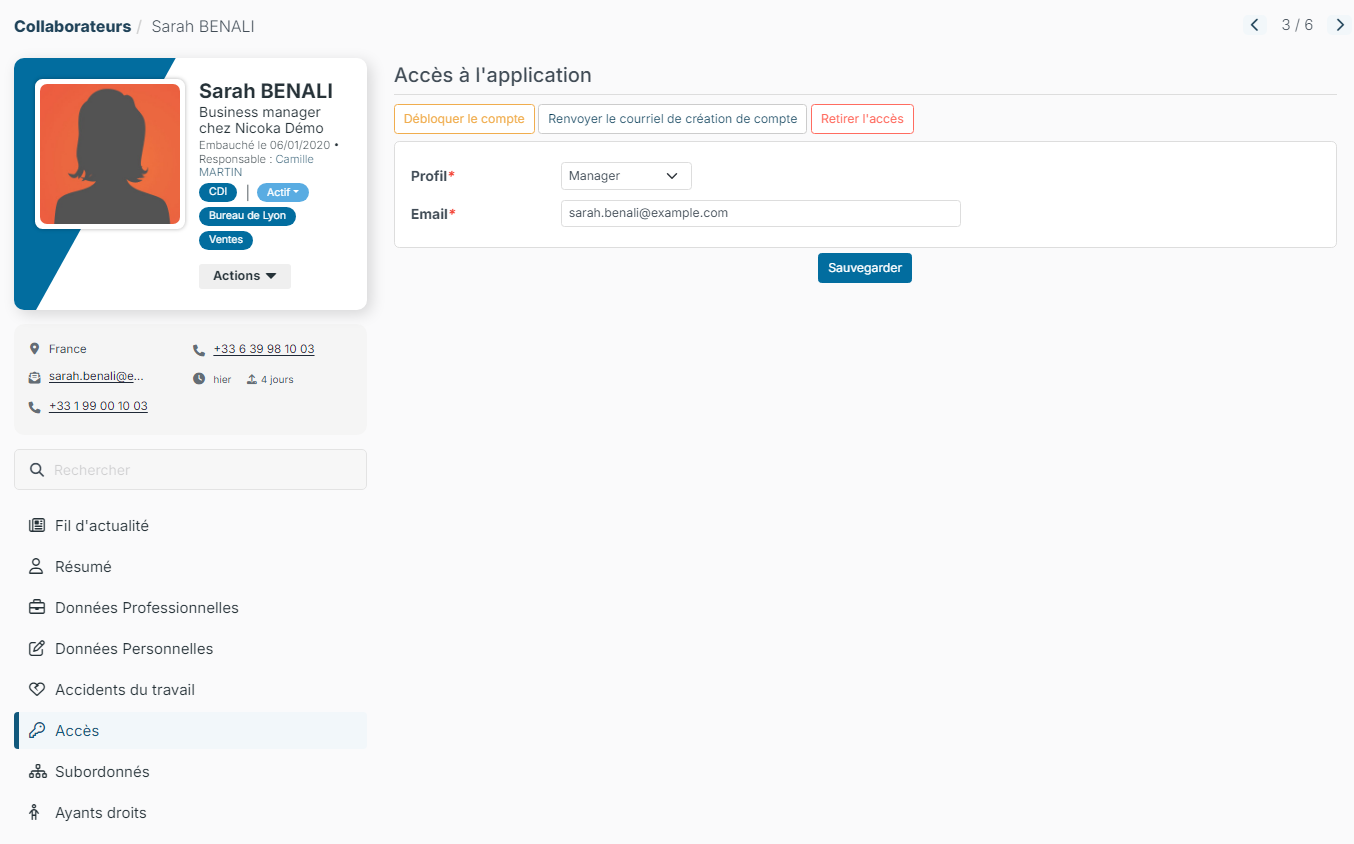
The employee can log in again with their password. If they no longer remember it, they use Forgotten password on the login page.
Learn more
- Step 1 - Log into your Nicoka account (forgotten password, login problems)
- Two-factor authentication
Were this information helpful?